 Vibo Mail
You set the rules in one place, and keep control
You set protection in one place, and a leaver's e-mail stays with your company, so you keep the work.
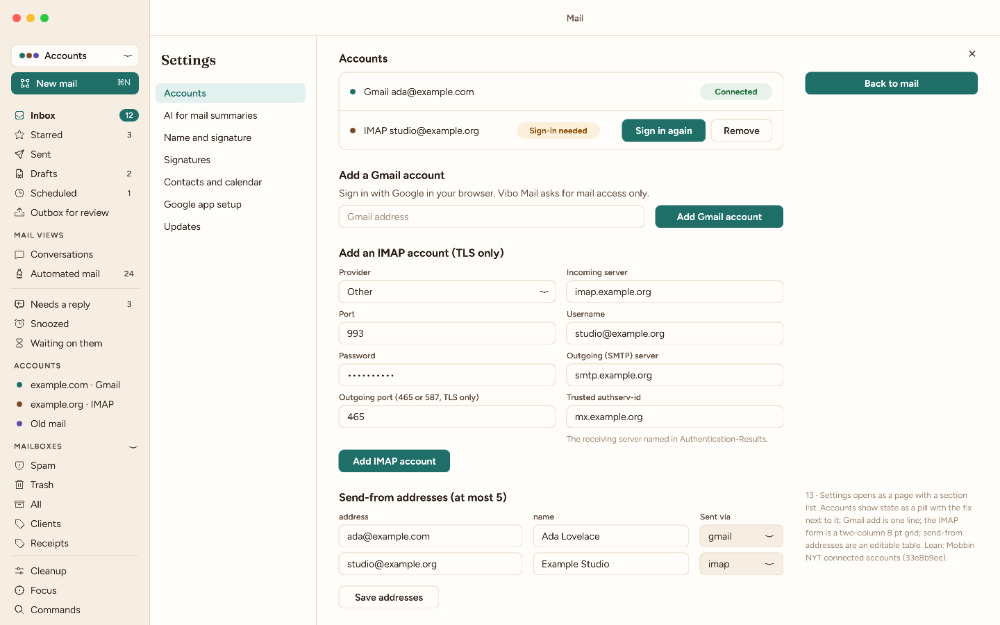

Rules in one place, every exception recorded
Set your rules in one place
You set the level of protection for every employee and role in one place, and it applies to everyone at once.
Projects have members
Vibo Mail checks each e-mail before it leaves a project, so an outsider is noticed before project work leaves.
Exceptions need a written reason
An exceptional send, one outside the rules, needs a written reason, so no exception passes without one.
Every exception is recorded
An exceptional send is kept in the admin record, so your company can look back at each exception.
Employees can tighten your rules, never loosen them
You set protection for every employee and role in one place, and an employee can only make it stricter.
The checks stay on
The checks before sending sit on a fixed floor nobody can switch off, so every employee is covered.
The application lock
The application lock sits on the same fixed floor, so a stranger holding the device cannot read your e-mail.
Archive instead of delete
Archive instead of delete stays on the fixed floor, so removing an e-mail archives it and a slip erases nothing.
Projects notice outsiders and explain exceptions
Projects have members, and each e-mail is checked before it leaves a project, so an outsider is noticed in time.
A project marked high risk needs a second named colleague's approval, so no e-mail leaves on one person's say.
An exceptional send, one outside the rules, needs a written reason. It notifies the owner of the company and is kept in the admin record, so you know of every exception.
Two ways to run your mailbox
Keep your current mailboxes
Your mailboxes stay where they are, and employees keep the habits they have.
Your own mail server, operated by RHND
Your mail server sits in your company's own cloud account, and RHND operates it, so you do not have to.
With your own server, accounts move over one by one, and you hold a backup before each move.
When people change, the work stays
When a person leaves, their e-mail stays with your company, handed to a named colleague, and the sign-in stops. The conversations and the work stay with your company.
A colleague covers a mailbox between set dates, and the cover ends by itself, so nobody has to remember.
An administration screen anyone can use, no programming
An administration screen anyone can use sets up e-mail addresses and rules without programming, so you set them up yourself.
Old e-mail in order with one approval
Years of old e-mail are put in order with one approval from you. Newsletters, registrations, expired login codes and unsolicited e-mail are grouped by sender, and everything can be put back.
Each clean-up ends with a receipt of what moved and what can be put back, so you see what changed.
Before a clean-up a protected backup copy is made, and cleaned e-mail goes to a holding place. Vibo Mail never deletes e-mail by itself, so cleaned e-mail waits in the holding place until an employee decides.
Backup before change, deletion by choice
Vibo Mail never deletes e-mail by itself; only the employee can, from a 30-day holding place, with a second confirmation. A backup is made before any larger change, so you hold a copy before anything moves.
The company keeps the work when someone leaves
An employee leaves the company. Their e-mail is handed to a named colleague, and the sign-in of the leaver stops. People in one company work on the same conversation, so the colleague continues it. The conversations carry on without a gap. The company keeps the work.
Answers about rules, leavers and mailboxes
Who sets the rules?
You set the level of protection for every employee and role in one place. An employee can only make it stricter, so the company decides.
What happens to the e-mail of a person who leaves?
The e-mail stays with the company, handed to a named colleague. The leaver's sign-in stops, so the company keeps the work.
Can we keep our current mailboxes?
Yes, you keep your current mailboxes and use Vibo Mail with them. The other way is your own mail server in your company's own cloud account, operated by RHND.
Bring one workflow from your company, see it handled
Bring one workflow from your company to the demo. Vibo Mail shows how it handles that workflow on sample e-mail, so you see your own work.
- Your workflow on sample e-mail
- A wrong send, held in time
- How much AI you allow
- Your rules in one place
The demo asks for nothing in return, so you keep your options open.